As you lift it, the machine’s weight registers under your palms—solid but not awkward, a compact presence that feels like it belongs in daily motion. The American Coffee Bean fully automatic machine, a neat grinder‑brewer in practice, greets your touch with a cool, slightly textured PP shell and crisply finished seams. A quick press lights the TFT and a low, steady hum from the ceramic grinder fills the air, followed by the sharp, brief hiss of water; the display’s glow balances the darker face and draws your eye. Those tactile and aural details—texture under your hand, the machine’s quiet balance and immediate responsiveness—are the frist things you notice while making your morning cup.
How it looks on your counter during a weekday morning routine
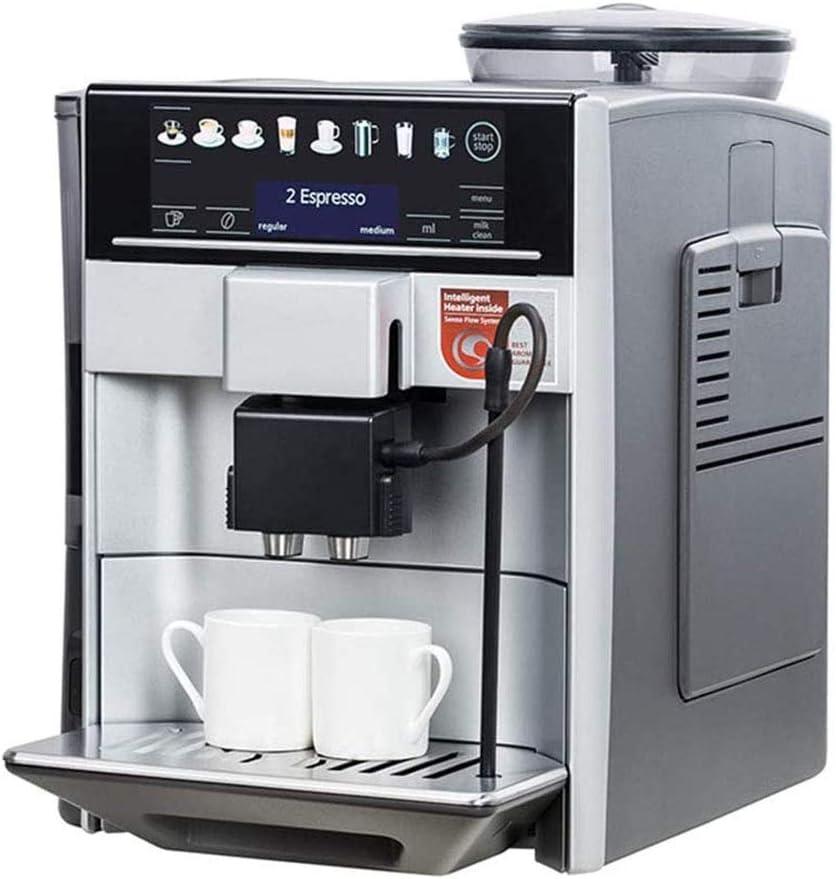
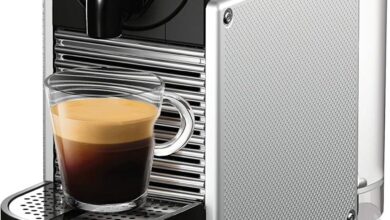
On a weekday morning it sits where you left it the night before: aligned with the toaster or next to a jar of stirring spoons, not trying to dominate the counter but clearly part of the routine. The display wakes first—a soft glow that makes the rest of the kitchen feel a little less sleepy—while the machine’s surface catches drips and fingerprints in the corners where you reach for your cup. Steam and the first waft of coffee create a focal point; the area immediately in front of the spout becomes the busiest patch of countertop. Small,everyday details stand out: the drip tray with a ring of condensation,the lid of the bean hopper slightly ajar when you’re rushing, and the power cord tucked or trailing depending on whether you moved it that morning.
How you interact with it during that half-awake hour is part of how it looks. You might nudge it closer to make space for your breakfast plate, or pause to wipe a splash off the front before filling your mug. There are a few recurring visual cues that mark the routine:
- Morning glow from the control panel that signals activity
- Fresh grounds residue on the tray or portafilter area after a quick cycle
- Water level line visible through the tank if you glance down while pouring
You don’t treat upkeep as a separate chore so much as part of placement: a quick swish of a sponge,a habit of setting the used cup on the tray for a moment. On busier mornings you’ll notice small compromises—cups shifted, a towel nearby, the machine slightly angled to clear a cereal bowl—all of which become part of how it visually integrates into your weekday rhythm.
The PP shell, grinder and controls up close — what you can actually see and touch
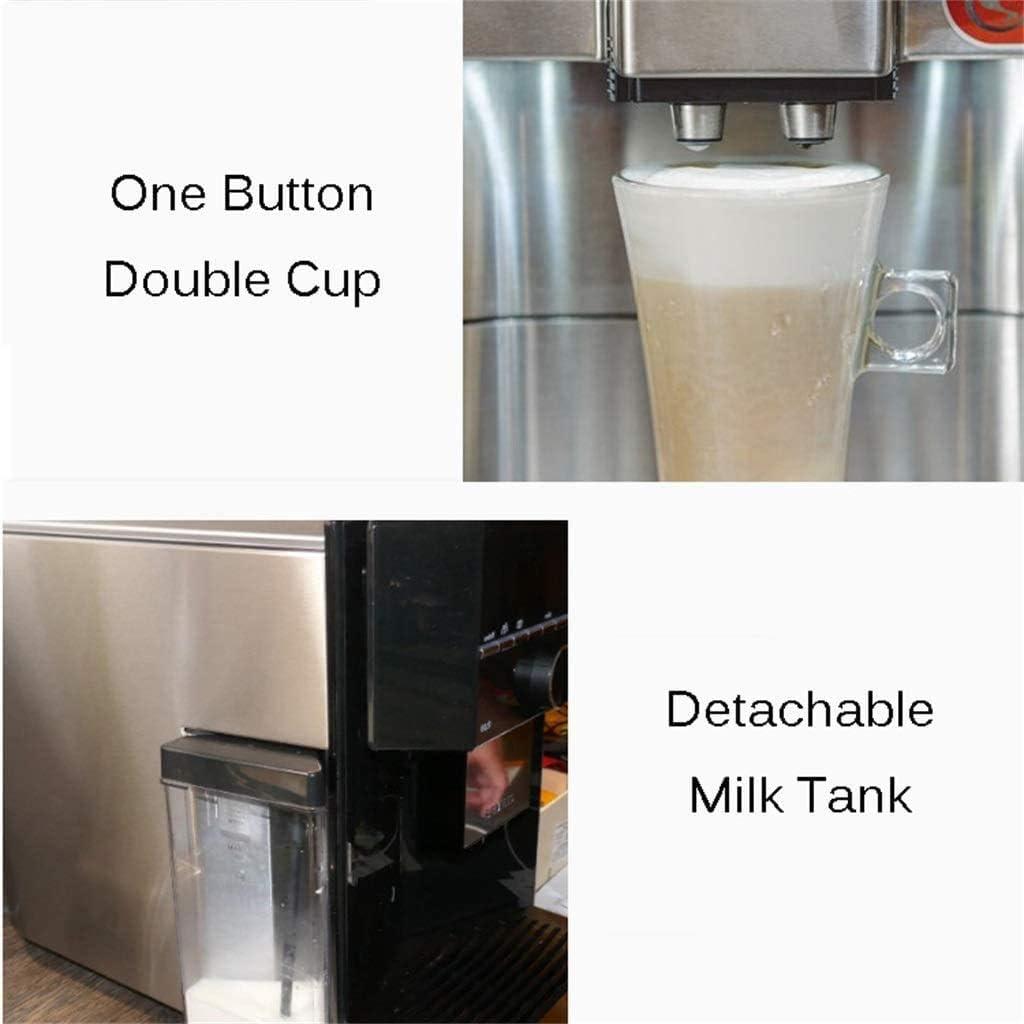
Up close, the PP shell presents as a light, slightly satiny plastic that gives under a firm press but snaps back without flexing dramatically. You can feel the molded seams where panels join and the edges around cutouts for the display and spout, and those joins are where your fingers naturally check for secure fit when you lift or move the unit. The removable water tank and any small lids have shallow grips rather than deep handles, so you often find yourself using a fingertip under the lip or a thumb on the top to slide parts free; the tank’s markings are visible at eye level when the machine sits on the counter. Small details — like the hinge on the bean hopper lid or the way the drip tray slides in — tend to define how you handle it in daily use: a quick flip or a gentle tug, not a heavy pull.
- Surface feel: smooth with mild texture, not slick.
- edges and seams: noticeable at panel joins where you grip.
- Removable parts: light to lift, usually require two fingers to release cleanly.
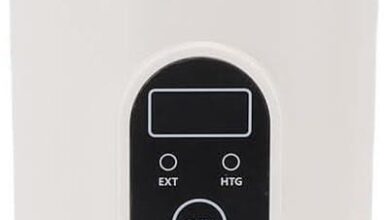
The grinder and control area is where your touch meets function. The bean hopper lid lifts on a small hinge and the grinder adjustment ring clicks through several detents so you can feel each step as you change coarseness; the opening that channels beans toward the burrs is a narrow throat, and you catch stray grounds if you peer inside after use. The color TFT display sits flush in a glossy bezel and the touch panel around it registers a fingertip press with a soft, brief vibration of the UI rather than a mechanical click; dedicated physical buttons — like the single-button brew control — have low travel and a gentle, defined resistance when pressed. Routine interaction brings you into contact with a couple of washable pieces: a small grounds drawer that slides out and a filter basket that pops free for rinsing, both of which fit back with a faint snap.
| control/Part | Tactile cue |
|---|---|
| TFT touch area | Glossy surface, light touch response |
| Grind adjust ring | Distinct clicks at each setting |
| Bean hopper lid | Hinged lift with modest resistance |
| Removable grounds drawer | Slides out, returns with a soft snap |
Loading beans, pressing buttons and the feel of the interface when you operate it
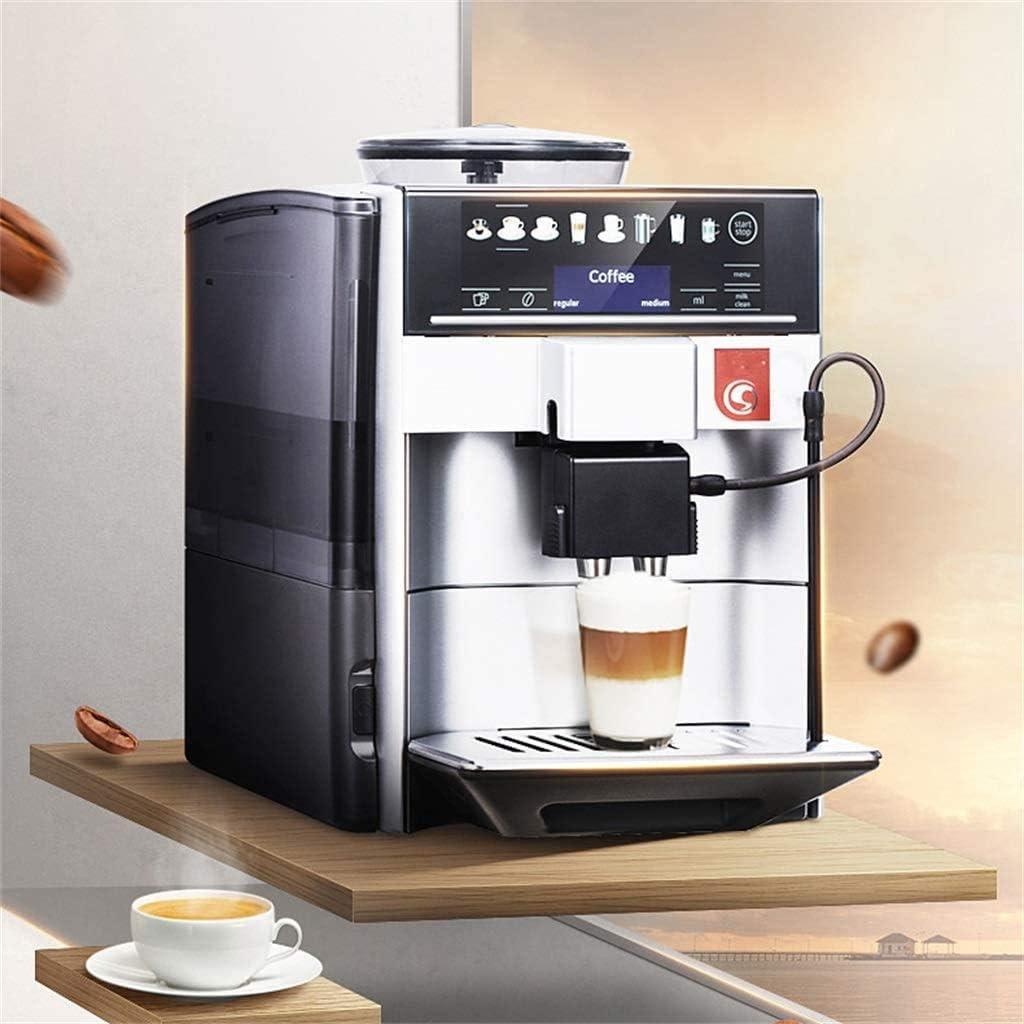
When you load beans you usually lift a small lid at the top and pour directly from the bag; the opening is wide enough that you don’t have to jiggle the bag much, though a few stray beans can catch on the rim and you tend to brush them back in or wipe the edge before closing. The hopper feels light under your hand and the lid snaps down with a modest click; you’ll notice the fresh coffee aroma right away as the beans settle. If you top the hopper while the machine is idling you’ll sometimes pause to nudge beans away from the neck so they don’t trickle into the grinder, and you can see how a quick wipe of the rim becomes part of the routine rather than a chore.
The interface responds to touch — you tap icons on the color screen and menus slide into view with a short delay rather than instant jumps; presses register with a brief audible chime and a soft visual highlight, so you can tell the machine has heard you. Physical buttons (a clearly labelled brew/start key and a one-touch double-cup control) sit near the panel and give a firmer, clicky feedback compared with the glassy tap of the display. Typical interactions you’ll make include:
- Start/Brew — single tap to begin extraction
- Grind/Adjust — enter the menu to nudge coarseness and confirm with the screen
- Steam/Clean — one-button actions that show progress on-screen
| Control | Observed behavior |
|---|---|
| Touch display | Responsive with short menu animations and a faint beep on selection |
| Physical brew button | Immediate, tactile click that feels distinct from touch inputs |
How much room it needs and where it sits in a kitchen or shared office layout
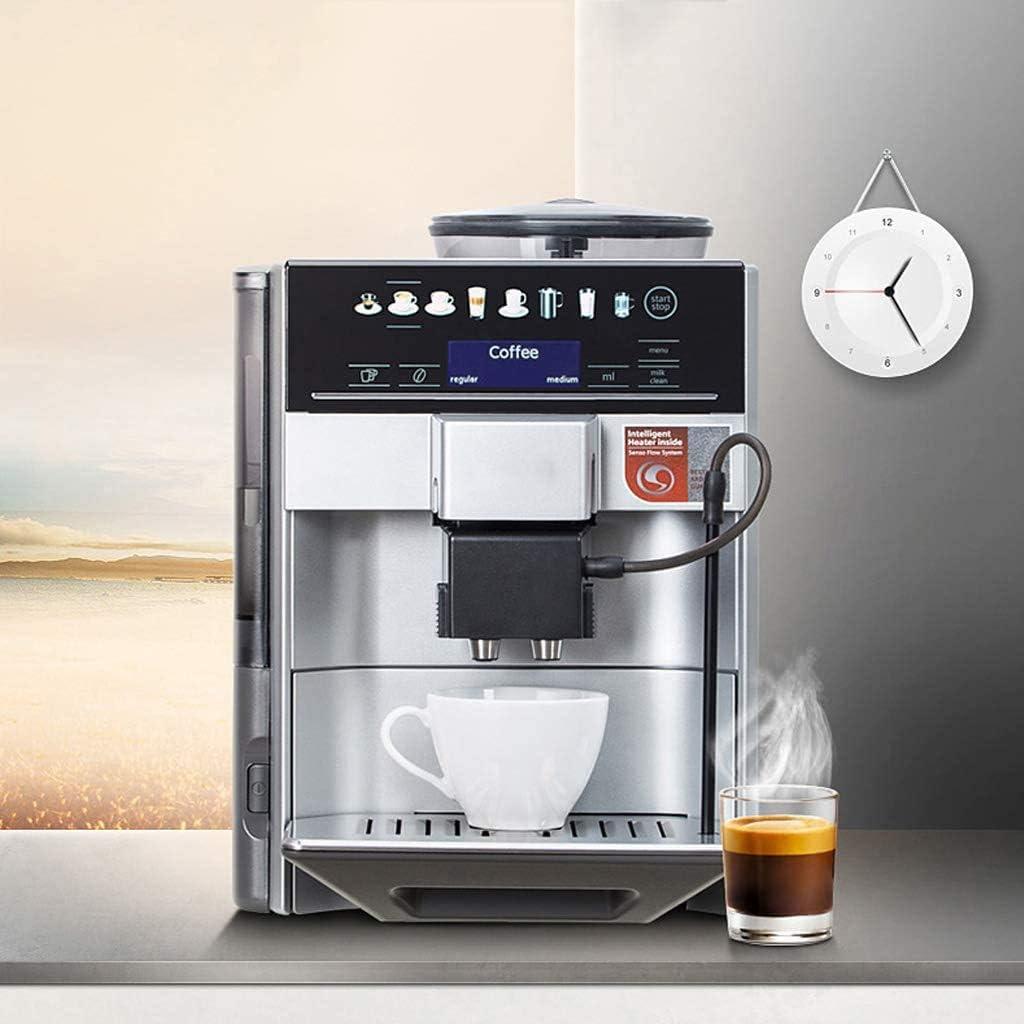
On a typical countertop the machine settles into the kind of footprint occupied by a compact beverage appliance: it doesn’t disappear into a corner but neither dominates a long run of worktop. It tends to be placed close to a power outlet and within reach of a sink for occasional tank refills, with a little clearance above and in front so the hopper and control panel can be accessed without tilting the unit. Small habits—briefly pulling the water reservoir forward, sliding out the drip tray, or reaching over to place cups—shape how much free surface around it is actually needed during routine use. In practical terms, the presence of the machine often invites a short stretch of counter to be kept clear on one side for placing cups and collecting spent grounds immediately after brewing.
In a shared office layout the machine usually sits in the break area or on a dedicated appliance shelf, next to mugs, sugar containers and a small rubbish bin; grouping it with other communal items seems to reduce traffic around a single busy spot. Noise and circulation flow influence the exact spot chosen—the unit blends into a tidier flow when placed against a backsplash or on a low cart that keeps plugs and hoses tidy, and it can feel cramped if squeezed between taller appliances where access to service points is limited. Observed upkeep is part of its presence: occasional wiping of the drip area and emptying of grounds happens as part of daily tidying rather than a separate chore.For full specifications and the complete listing, view the product page here.
How this machine measures up to your expectations, suits your routine, and the practical limits you’re likely to notice
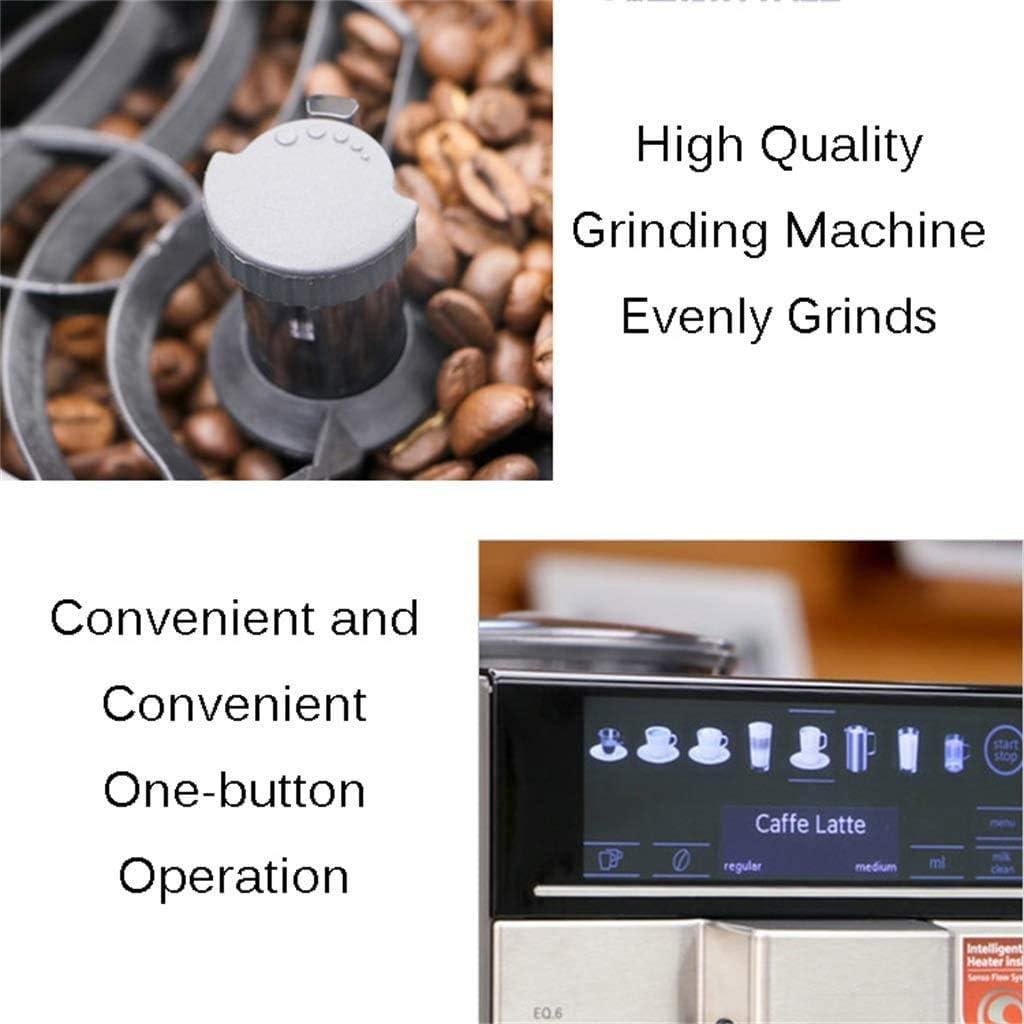
On a day-to-day basis the machine settles into a predictable pattern: it occupies a modest footprint on the counter, powers up quickly, and moves from bean to cup in short order. The grinder is noticeable during the grind cycle but tends to fade into background noise rather than dominate a morning conversation; timing and warmth of the cup are consistent enough that drinks are ready shortly after activation. Controls and the display respond with a moment of hesitation at times, so interactions often include a brief pause to confirm the selected beverage or repeat a tap. Routine handling — topping up the tank, placing a cup, and clearing spent grounds — becomes part of the flow and is generally unobtrusive, though small adjustments to placement or a quick wipe after milk-steaming are commonly inserted into the sequence.
Practical limits reveal themselves through repeated use and are mainly about cadence and small maintenance habits rather than dramatic shortcomings. For example, the reservoir and bean container require topping up when several drinks are made back-to-back, and the milk function tends to ask for a little extra attention to keep froth consistent over successive drinks. Typical routine touchpoints include:
- Water top-ups — happen with daily or multiple-use cycles
- Emptying grounds — needed after several brews to avoid accumulation
- Quick wipe of milk parts — frequently enough done after steaming sessions
| Routine task | Typical cadence (observed) |
|---|---|
| Refill water tank | Daily with moderate use |
| Empty grounds/reusable strainer | every few days or after heavy use |
Full specifications and configuration details are listed on the product page.
Cleaning, refilling and upkeep across a week of real use
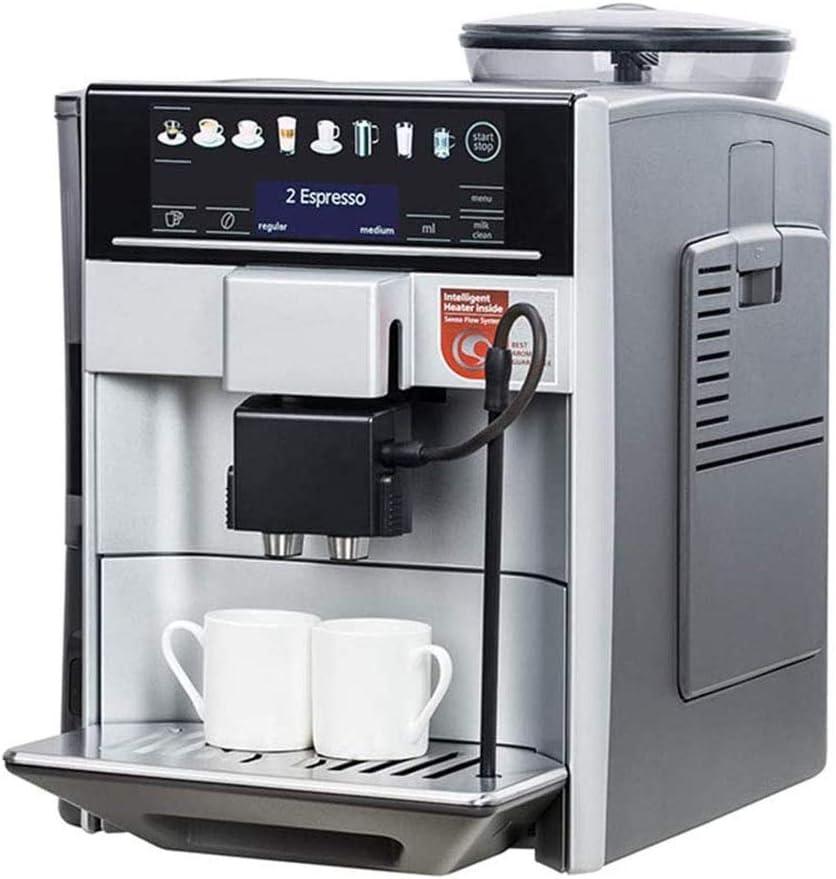
On a day-to-day basis you quickly get into a rhythm: each morning you top up the removable water tank and glance at the bean hopper before the first pull,and small,frequent touches keep the machine looking ready. The drip tray and grounds container fill at different rates depending on whether you make single cups or double cups; you tend to empty the tray after a few uses and shake out the spent pucks every evening. When you steam milk, a thin film sometimes appears on the cappuccino nozzle within a couple of drinks, and you wipe it off between uses rather than letting it sit.The machine’s one‑button cleaning cycle shows up as an option on busier days, and you use that brief cycle a couple of times when the display prompts or the flow feels slower than usual.
Across a seven‑day stretch the tasks fall into a few predictable patterns rather than a long chore list.A midweek rinse of the reusable filter and a quick check of seals and the water tank lip usually suffices to keep things running smoothly; mineral buildup doesn’t demand attention every week unless your tap water is hard, in which case you notice slower fills or slight scale on accessible surfaces. The table below maps what tended to need attention and how often it came up for me during a typical week of home and light office use.
- Daily: water top‑up,wipe milk nozzle if used
- Every 2–3 days: empty grounds container,clean drip tray
- Midweek: rinse reusable strainer,run a short automatic cycle if prompted
| Day | Most common upkeep | Approximate time spent |
|---|---|---|
| Mon–Tue | Water top‑up,wipe nozzle | 1–2 minutes |
| Wed | Rinse strainer,empty grounds | 3–5 minutes |
| Thu–Sat | Routine empties and occasional auto‑clean | 2–4 minutes |
| Sun | Visual check,deeper wipe of exterior | 5 minutes |
How It Settles Into Regular use
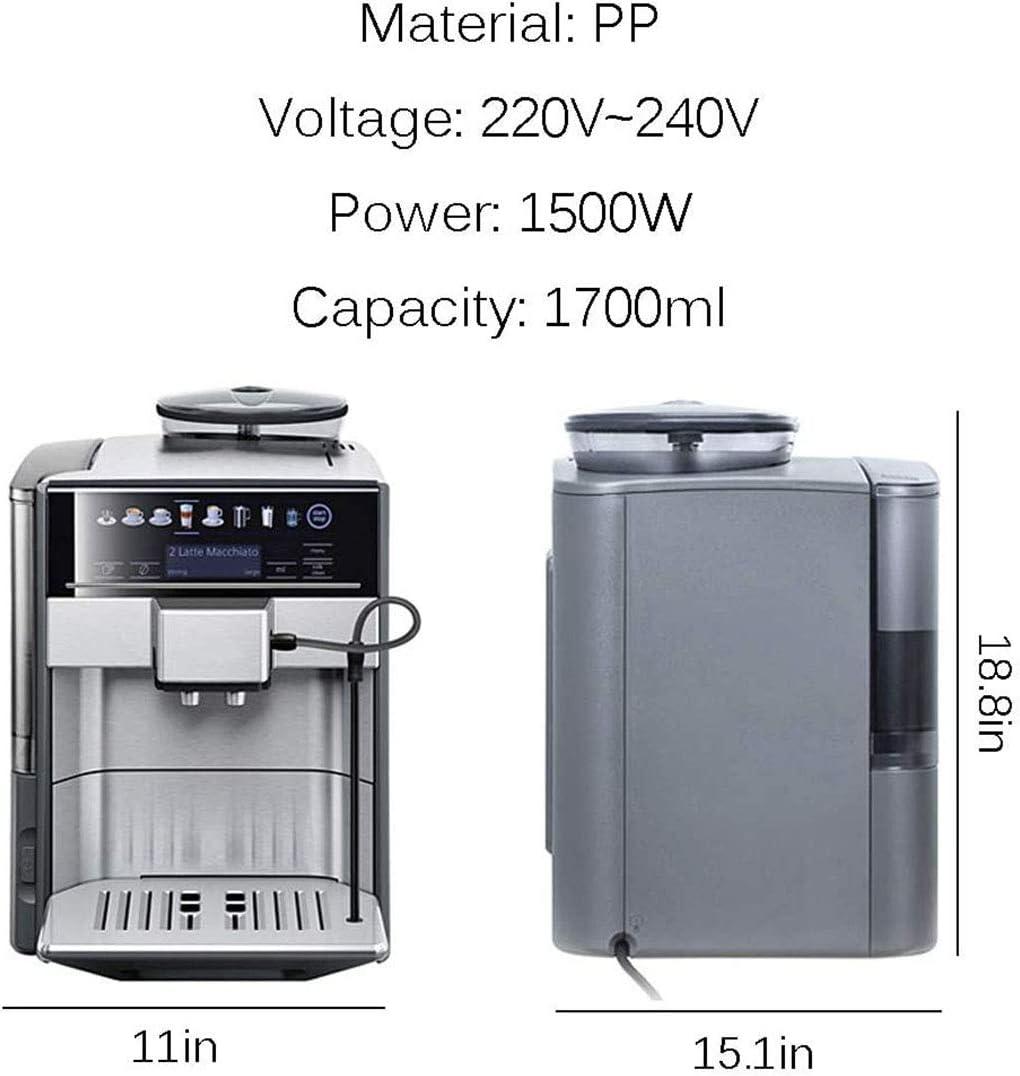
Having the Coffee machine Fully Automatic American Coffee Bean coffee Machine among the cups and jars, you notice how it quietly claims that corner of the counter. Over time its daily noises — the low grinding,the soft drip — fold into morning habits,and you arrange mugs,beans,and spoons around it without thinking. The PP surfaces collect fingerprints and the occasional scuff where hands meet it, and its presence shifts with light and the way the space is used.It stays in the background of regular household rhythms and, after a while, simply settles into routine.
As an Amazon Associate I earn from qualifying purchases. Amazon and the Amazon logo are trademarks of Amazon.com, Inc, or its affiliates. All images belong to Amazon